
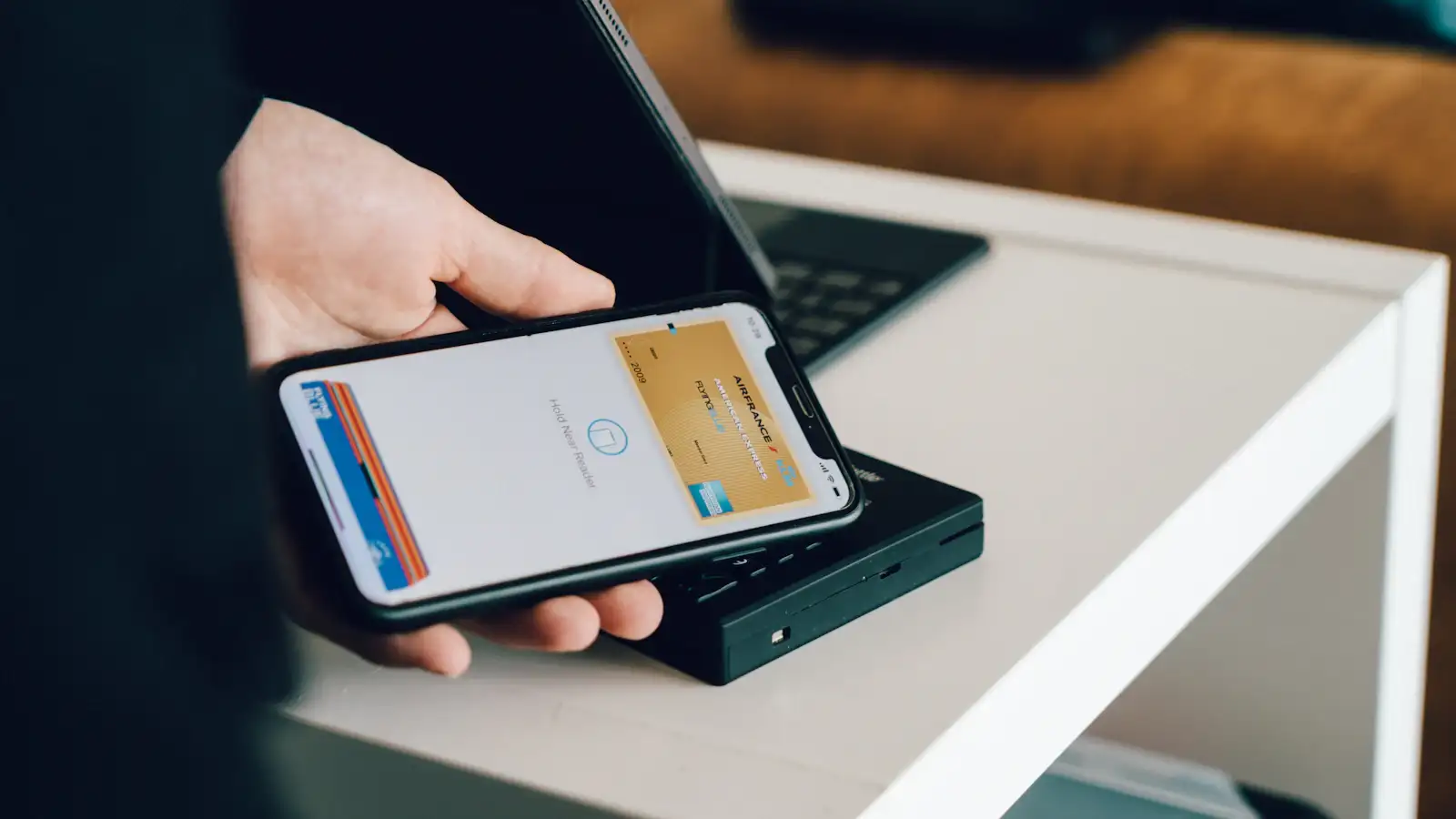
Standing at a checkout counter right now? Don’t debug this in the queue. Pay another way this time — cash, or your companion’s QR code — then fix the card afterwards. None of the fixes below takes less than ten minutes.
The 60-second version. Three situations cover almost every case:
- Virtual, prepaid, gift or company card — it will never link. WeChat Pay refuses these at the network level, so retrying the same card changes nothing. Use a physical Visa or Mastercard in your own name, or put that same card into Alipay instead — Alipay accepts several cards WeChat Pay turns down.
- A real card in your own name, error appears the instant you tap Add Card — your bank declined it before WeChat Pay ever saw the request. Call the number on the back and say: “Please approve Tenpay — WeChat Pay — transactions from China on this card.” Then retry once.
- The card linked fine and only one merchant fails — that merchant’s channel does not take foreign cards. Pay that one another way. Your card is not the problem.
Still stuck? Match the exact moment the error appears and work from that.
💡 Reader tip: If Alipay is failing too, Alipay and WeChat Pay failure fixes covers the causes both apps share.
Direct answer: WeChat Pay shows “Unsupported card for this service” for more than one reason, and the wording does not tell you which one you have. In practice it comes from your bank declining the charge before WeChat Pay saw it, the card type not being accepted, passport verification not completing, a transaction limit, or a merchant that does not take foreign cards at all. The order matters: the card type rules some cases out immediately, and the bank explains most of what is left.
WeChat Pay is the second most popular payment method in China after Alipay. But getting a foreign card to work with it is a different process from Alipay, and the problems are different too. If you are setting up WeChat Pay for the first time, the WeChat Pay foreign visitor guide covers the basics. This article goes deeper into the specific problems that prevent your card from working.
If WeChat Pay says your card is unsupported, or the link fails without a clear reason, the cause is almost always in one of the six problems below. Here they are, ordered by how many cases each one resolves.
Unsupported card for this service: match the message to the cause
That sentence is not one error. WeChat Pay reuses the same wording across several different failures, which is exactly why retrying the same card changes nothing. Find your situation below, then work that fix.
| What you are seeing | Most likely cause | Where to go |
|---|---|---|
| The message appears the moment you tap Add Card | Your bank declined the charge before WeChat Pay saw it | Problem 1 |
| The card number is rejected before any verification step | The card type is not supported | Problem 2 |
| Linking fails right after you upload your passport | Verification did not complete | Problem 3 |
| The card worked, then one payment above RMB 6,500 failed | You hit the single-transaction cap | Problem 5 |
| The card disappears from the wallet after a few days | The temporary authorisation expired | Problem 6 |
The message will not tell you which one you have, because WeChat Pay generates it before your bank has finished answering. That is why the order below matters: rule out the bank first, then the card type, then verification, then the limit.
Problem 1: Your Bank Blocks the Transaction
This is the most common reason WeChat Pay rejects a foreign card. Your bank sees a transaction attempt from a Chinese payment platform and flags it as suspicious.
The fix: Call your bank’s customer service number on the back of your card. Tell them: “I am trying to link my card to WeChat Pay in China. Please whitelist WeChat Pay transactions on my card.” Most banks have seen this request before and know what to do.
Some banks also require you to enable international online transactions in your mobile banking app. Log in to your banking app, go to Card Settings -> International Transactions -> Enable. This is especially common with UK and Australian banks.
If you have a second card from a different bank, try that one instead. Some banks are more WeChat-friendly than others. Citibank, HSBC, and Standard Chartered generally work with minimal friction.
Problem 2: Your Card Type Is Not Supported
The message this one produces is usually “Unsupported card for this service”. WeChat Pay reuses that same wording for several of the problems further down this list, so it is worth reading past the first fix instead of retrying the same card.
WeChat Pay does not support all foreign card types equally.
Cards that work: Visa and Mastercard from most countries. UnionPay cards from any country.
Cards that may be less predictable: American Express, Discover, JCB, and other networks whose availability can vary by issuing region or account flow. Do not treat a network as guaranteed just because another visitor reported success.
Cards that do not work: Prepaid cards that do not have your name printed on them. Virtual cards from Revolut, Wise, or similar services. Corporate cards that are not registered to your personal name.
The fix: If your card is not supported, try a different card first. If you only have one card, use Alipay instead. Alipay has broader foreign card support than WeChat Pay for most countries.
Problem 3: Passport Verification Fails
Like Alipay, WeChat Pay requires passport verification before you can link a foreign card. The same photo quality issues apply.
The fix: Take your passport photo in good lighting against a dark background. Make sure all four corners of the photo page are visible. Do not block the machine-readable zone at the bottom.
WeChat Pay sometimes requires a second verification step: a short video of your face. This is called “liveness detection.” Stand in good lighting, face the camera directly, and follow the on-screen instructions (blink, turn your head, etc.).
If the video verification fails, try again in a different room with better lighting. WeChat is picky about shadows on your face.
Problem 4: WeChat Pay Shows “System Busy” When Linking
This error usually means WeChat Pay’s foreign card processing system is temporarily overloaded, but it can also indicate that your card data is not being transmitted correctly.
The fix: Close the WeChat app completely and reopen it. Try again. If it still shows “System Busy,” wait 2-3 hours and try again. This issue often resolves itself.
If “System Busy” persists for more than 24 hours, unlink any partially linked cards in WeChat Pay settings, restart the app, and start the linking process from scratch.
Problem 5: You Hit a Transaction Limit
Once your card is linked and working, WeChat Pay can stop accepting payments at a hard ceiling. This is not a bug. It is a published limit.
The limits: Tencent publishes three numbers for international cards: RMB 6,500 per single transaction, RMB 50,000 cumulative per month, and RMB 65,000 cumulative per year. These are RMB figures, so they do not shift with the exchange rate.
Which one you meet first: On a normal trip it is the single-transaction cap, usually at a hotel desk or a jewellery counter. The annual cap sounds generous until you divide it: RMB 65,000 is about RMB 10,800 a month. Fine for two weeks of travel, tight for a six-month stay.
The operator’s cap is lower than the regulation. The official guide for foreign business visitors in China quotes a ceiling of USD 5,000 per transaction and USD 50,000 per year. Tencent’s own RMB 65,000 annual cap lands near USD 9,100, well under that regulatory ceiling. What binds you is the wallet’s number, not the government’s.
The fix: If the single-transaction cap blocks a payment, split it across two days or settle that one bill with a physical card. If you are on a long stay and closing on RMB 65,000 for the year, ask the merchant for direct card acceptance, use cash, or plan for a Chinese bank account.
Problem 6: The Card Disappears From Your Account
Some users report that their card shows as linked in WeChat Pay, but after a few days or weeks, the card disappears and they need to link it again.
The fix: This usually happens because the card’s temporary authorization expired. When you link a card, WeChat Pay places a small temporary hold (usually $1-2 USD) to verify the card. If the hold is not captured within a certain period, the card becomes unlinked.
To prevent this, make at least one small payment through WeChat Pay within the first week of linking your card. Even a 1 RMB payment at a convenience store will confirm the card is active.
If your card has already disappeared, simply link it again. The process is the same as the first time.
Having payment trouble?
Check which payment methods work for your specific card with the payment checker tool.
Read the full Alipay vs WeChat Pay comparison to decide which one to set up first.
The fee: what the 3% actually costs
The rule is short and widely misquoted. Tencent’s help centre states it plainly: a single transaction at or under RMB 200 is fee-free, and a transaction above RMB 200 carries a 3% fee. Alipay applies the same threshold.
Two details change how you should pay.
The 3% is charged on the whole amount, not on the part above RMB 200. Pay RMB 300 and the fee is about RMB 9, not RMB 3. That is why splitting a bill to dodge the fee rarely pays off in practice: a RMB 300 payment split into two RMB 150 payments would be free, but most counters will not do it, and one slip puts you back over the line.
A refund returns the fee in proportion. Refund the whole transaction and the fee comes back with it. Refund part of it and you get the matching share of the fee.
Where it bites: a RMB 1,000 hotel bill costs RMB 30. A RMB 5,000 electronics purchase costs RMB 150. A week of noodles, metro rides and museum tickets at under RMB 200 each costs nothing.
| Rule | Figure | Source |
|---|---|---|
| Fee, single transaction at or under RMB 200 | none | Tencent WeChat Pay help centre |
| Fee, single transaction above RMB 200 | 3% of the full amount | Tencent WeChat Pay help centre |
| Single transaction cap | RMB 6,500 | Tencent WeChat Pay help centre |
| Monthly cap | RMB 50,000 | Tencent WeChat Pay help centre |
| Yearly cap | RMB 65,000 | Tencent WeChat Pay help centre |
| Regulatory ceiling, both wallets | USD 5,000 per transaction, USD 50,000 per year | Guide for foreign business visitors in China |
| First-binding waiver (WeChat Pay only) | 3% waived for 90 days, up to RMB 1,000 a day | Tencent announcement, 27 May 2026 |
The 2026 waiver most guides have not caught up with
Tencent announced on 27 May 2026 that anyone binding an international card to WeChat for the first time, between that date and 31 December 2026, gets the 3% fee waived for 90 consecutive calendar days after their first purchase, on spending up to RMB 1,000 a day.
Run the arithmetic: 90 days at RMB 1,000 is up to RMB 90,000 of fee-free spending, worth roughly RMB 2,700 in fees you would otherwise pay. Two conditions decide whether you qualify: the binding has to be your first, and it has to happen before 31 December 2026.
Alipay has no matching waiver in effect. If you are deciding which wallet to verify first, that is the argument for doing WeChat.
The practical rule: keep each transaction at or under RMB 200 and the wallet costs you nothing, waiver or not. Inside your 90-day window the free band rises to RMB 1,000 a day. Beyond that, or above RMB 200 once the window closes, 3% applies, and above that line a physical card or cash is usually cheaper.
Figures checked 17 October 2026 against Tencent’s WeChat Pay help centre, the official guide for foreign business visitors in China, and Tencent’s 27 May 2026 announcement. Policies change without notice; confirm the amount on the payment screen before a large purchase.
The short version
Most WeChat Pay card failures are not really about the app. They are bank-side blocks, unsupported card types, identity mismatches, or per-account limits that only show up once you try to pay.
A practical order to work through: call your bank and ask them to approve WeChat and Tencent charges, confirm your card is a named Visa or Mastercard rather than a prepaid or virtual card, redo passport verification in even lighting, then test with one small convenience-store payment before trusting it with a taxi fare or a hotel bill. If a payment fails mid-trip, check the transaction record inside the wallet before retrying, so you do not accidentally pay twice.
Keep Alipay configured as your second wallet. The two apps fail for different reasons, so a second app plus a few hundred yuan in cash covers almost every gap.


Loading comments...